
Send it for signaturefrom the same place.
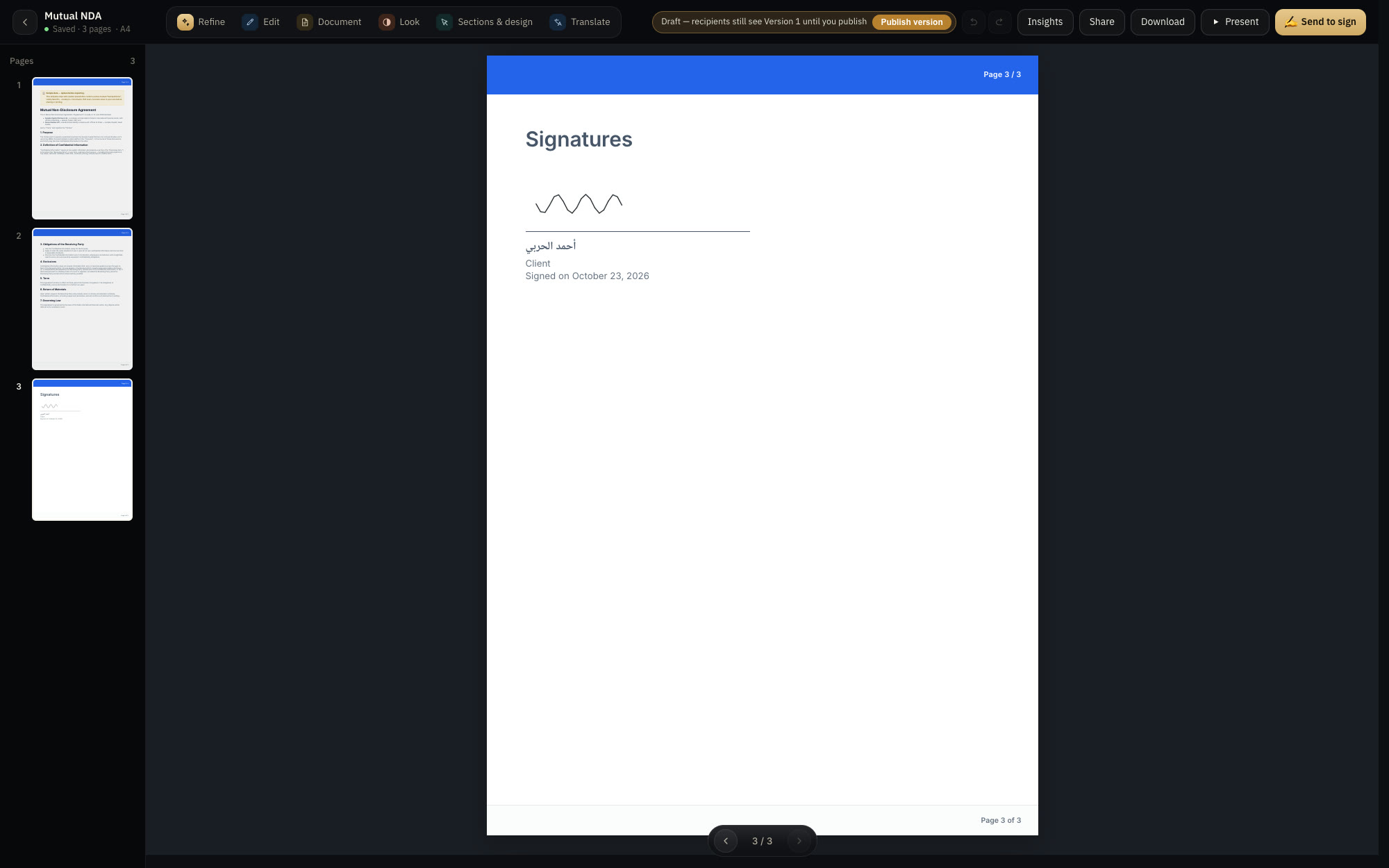
One signing link per person. They type or draw their name, and the signed PDF carries a record that reveals any later change.
● On every plan
The situation
The contract is ready, and then the export, email, print, and scan routine begins.
With Decks.Studio
Add signers by name and role, and each gets their own link. They sign from any device, and the signature is sealed to the version they saw.
Why you can rely on it.
- A link per signer
No extra tool, no export-and-email routine.
- A full audit trail
Signer, role, time, and IP address at the moment of signing.
- Bound to the version
The signature is sealed to the sent version, so any later edit shows.
PlanOn every planCompare plans
Share
Send it on your terms, and present from anywhere.
Controlled sharingLink, email, or WhatsApp. Protect it with a password, allow or block the PDF download, and revoke access whenever you like.Learn more →Sent VersionsEvery deck you send and every document you sign is sealed with a fingerprint, so the recipient sees the version you sent, and your edits stay a draft until you publish a new version.Learn more →Live PresentShare a join code, and every viewer's screen follows the slide you're presenting, with reactions, a live chat, and drawing on the slide.Learn more →
Try it on your idea.
Your first deck in two minutes. Free, no card.