
Your file in Drivebecomes a deck.
Start from a Google Doc, Sheet, or Slides file. Pick one file and it becomes an on-brand deck in minutes.
● For decks, on every plan
The situation
The content is already written in a Google Doc, and moving it into slides takes a full day.
With Decks.Studio
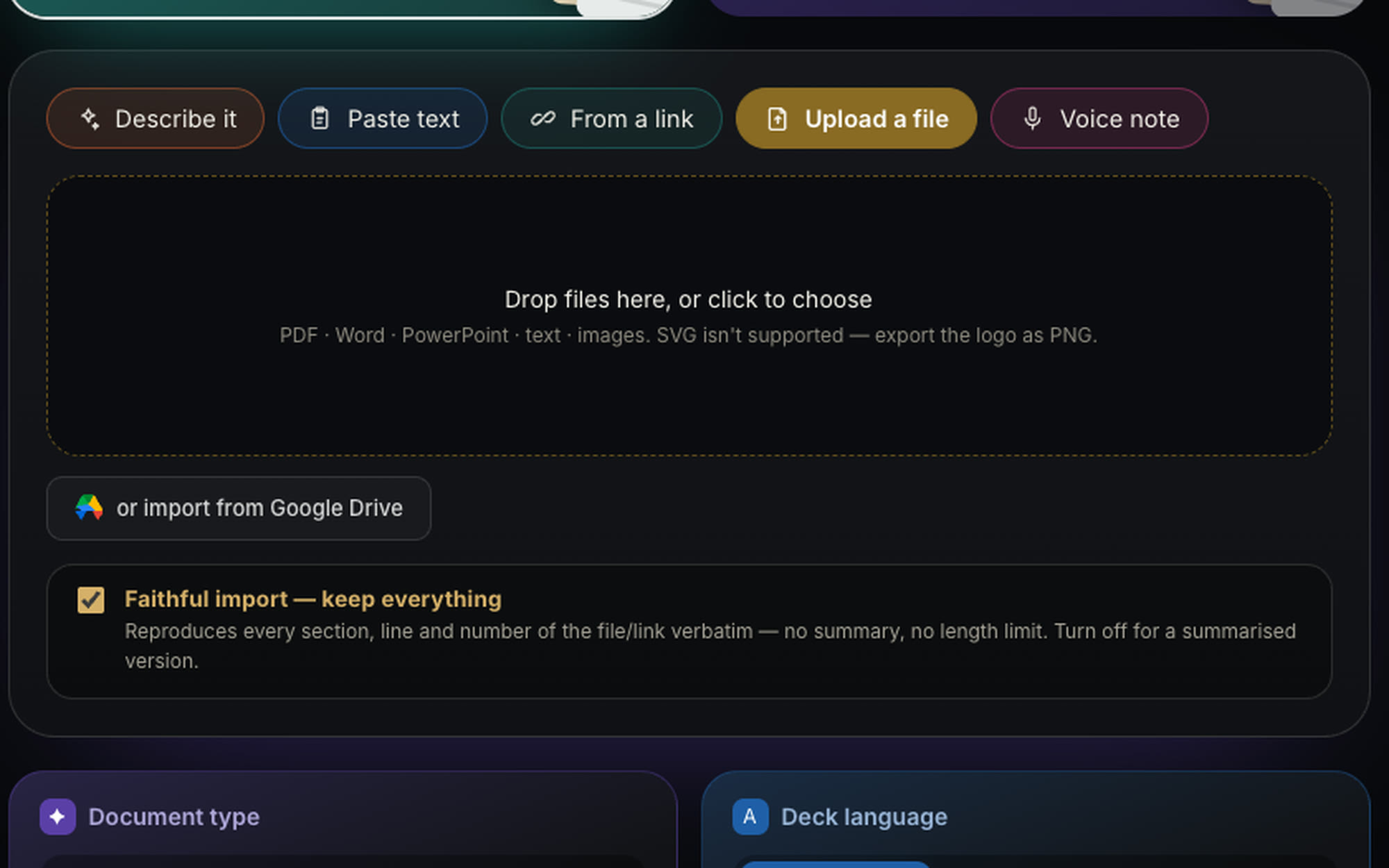
Pick the file with Google's own picker. The studio reads it and builds a deck: a Doc becomes sections, a Sheet becomes charts and tables.
Why you can rely on it.
- One file only
The studio reaches only the file you choose, never your whole Drive.
- Sheets become charts
Numbers from Google Sheets turn into charts and tables on your slides.
- On-brand from the start
Your brand kit is applied, and every word stays editable.
PlanFor decks, on every planCompare plans
Make
Start from anything you have.
From a sentence, file, or linkHand Decks.Studio a sentence, a file, or a link (or a voice note for decks), and it writes the content and designs every page in minutes.Learn more →Real documentsThe same idea that builds a deck builds a numbered A4 or Letter document, with your official letterhead and Arabic flowing in the right direction.Learn more →PDF import, three waysKeep it as it is, page by page. Let the studio redesign it. Or turn it into slides you can type over.Learn more →Your text, as writtenFor lessons, exams, and official texts: the studio designs the slides and keeps your words and diacritics exactly as you wrote them.Learn more →Agent modeIn agent mode your deck is built step by step in a build room you can watch, from the plan to the last slide.Learn more →
Try it on your idea.
Your first deck in two minutes. Free, no card.