
Images that match your deck,in a style you choose.
Generate images in a style that suits your deck, or upload your own to replace them, and write on top.
● Pro 30 · Studio 100 · Team 30 per seat — images a month
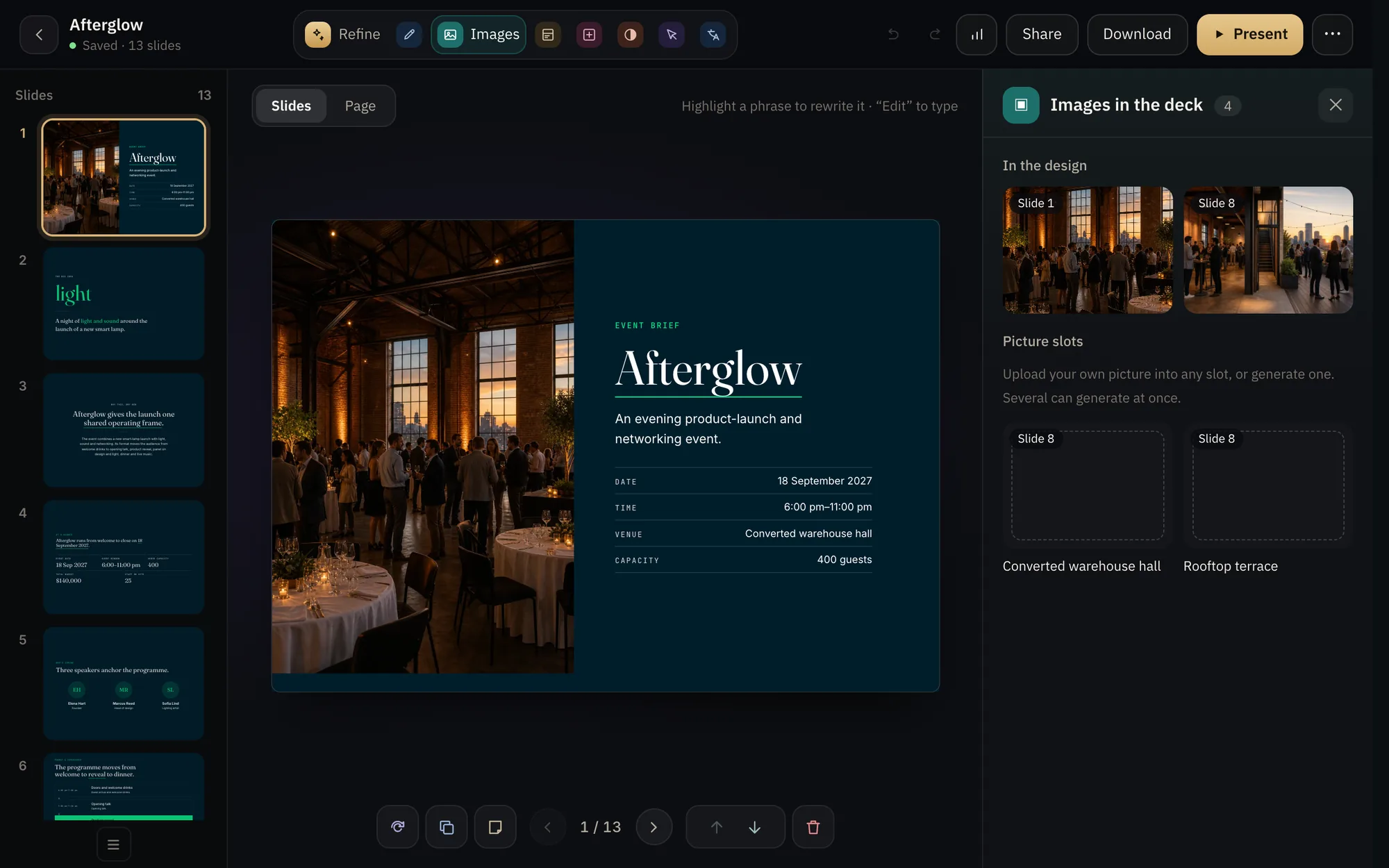
From the studio: the team photo, generated in the Images panel
The situation
Everyone recognizes free stock photos, and your own images aren't always ready.
With Decks.Studio
Describe the image and pick its style, and it is generated at the slide's size. Or upload your image and write on top of it.
Why you can rely on it.
- In a style you choose
Multiple styles to match your deck's tone.
- Your images too
Upload and replace any image in place.
- Text over images
Write directly on the image, clear and readable.
PlanPro 30 · Studio 100 · Team 30 per seat — images a monthCompare plans
Edit
Change what you want, the way you prefer.
Refine by chat"Make it shorter." "Make the tone formal." "Add a competitor slide." Only what you asked for changes, and every step is saved.Learn more →Edit by handSelect any element to rewrite and restyle it in place, or ask for the change in a sentence, until the deck is entirely yours.Learn more →Colors, fonts, and backgroundsA five-role color palette, more than 190 fonts including El Messiri, Reem Kufi, and Amiri, and 27 backgrounds drawn in your deck's colors.Learn more →Arabic and EnglishPress "Translate" and your deck arrives in the other language, in its correct direction, right-to-left or left-to-right.Learn more →Design itChoose one of five directions, and the studio designs each slide on its own from 45 kits, in about a minute.Learn more →74 ready blocksWaterfall, Sankey, Gantt, and radar charts, an org chart, a timeline, KPIs, and pricing tables: 74 blocks you insert into your deck.Learn more →
Try it on your idea.
Your first deck in two minutes. Free, no card.