
From the studiostraight to Drive.
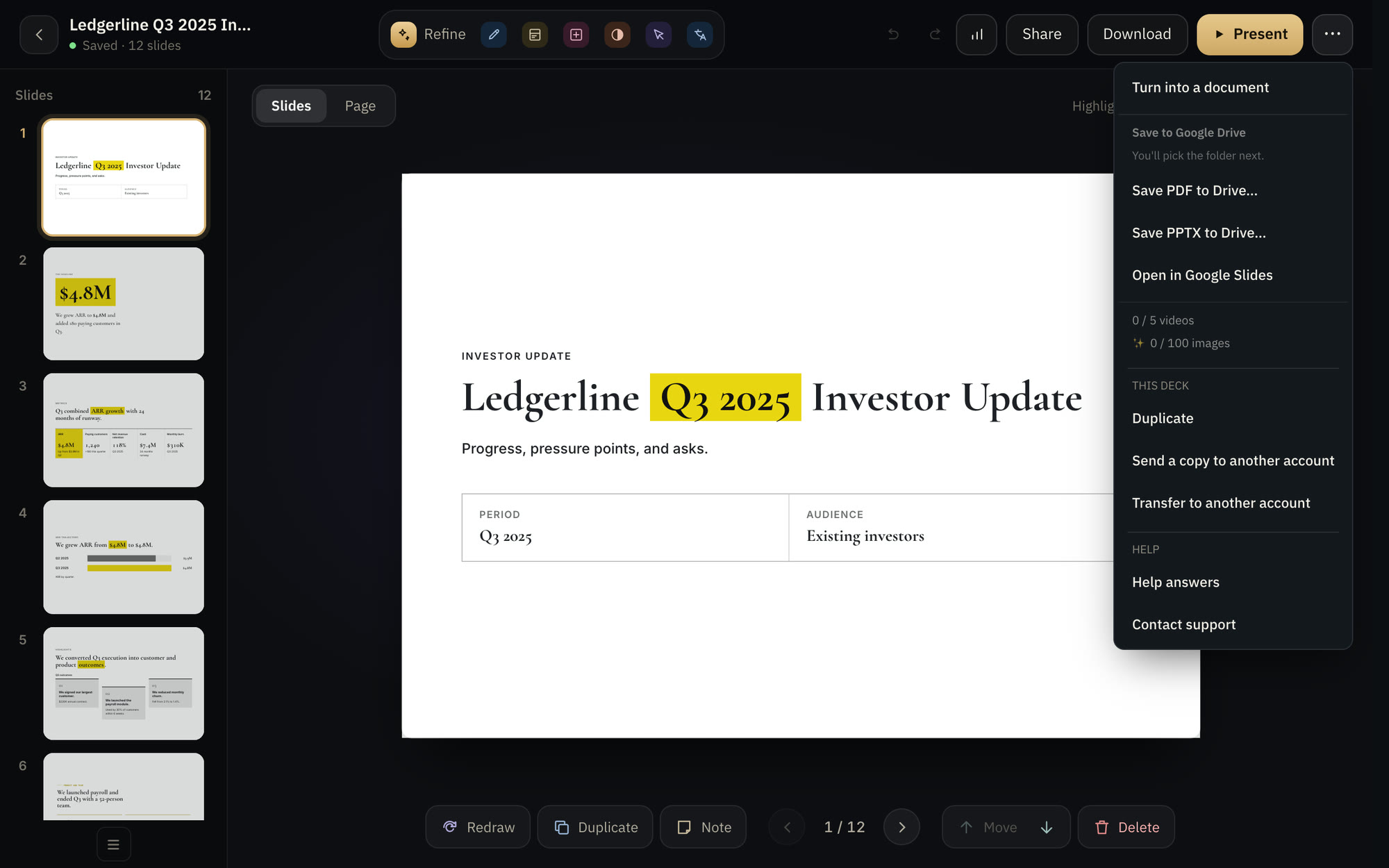
Save your deck to Drive as PDF or PowerPoint in one click, or open it in Google Slides to keep editing.
● For decks, on paid plans
The situation
Download, upload, share: three steps for every file.
With Decks.Studio
Pick the format and press "Save to Drive", and the file arrives ready to share.
Why you can rely on it.
- PDF or PowerPoint
Or open it in Google Slides as editable slides.
- No download and re-upload
It lands in Drive directly.
- Only your file
The studio writes only the file it creates.
PlanFor decks, on paid plansCompare plans
Export
In the format your recipient needs.
Try it on your idea.
Your first deck in two minutes. Free, no card.